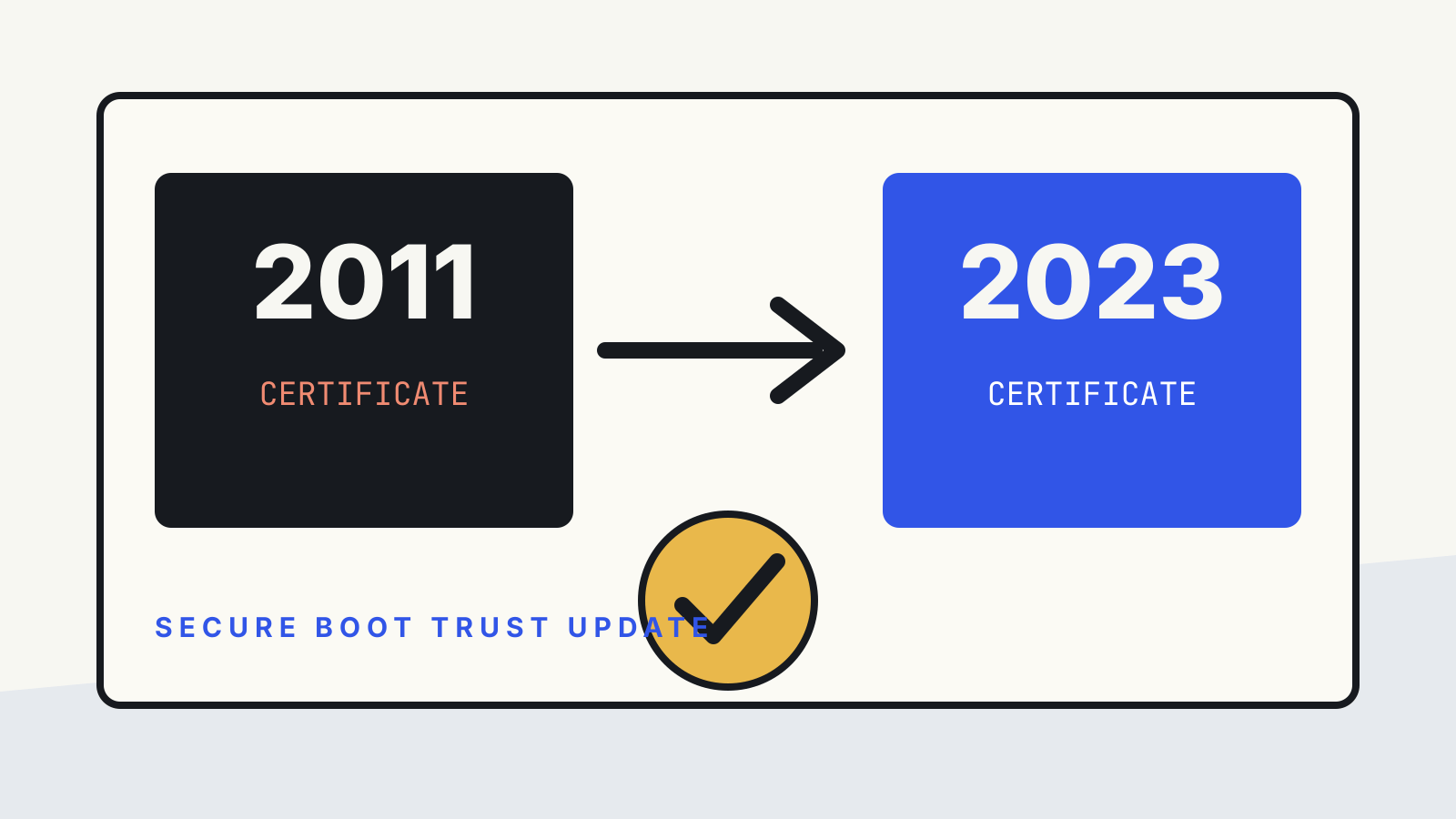
Secure Boot is not a single switch that stays useful forever. It depends on certificates stored in a computer’s UEFI firmware. Microsoft says several Secure Boot certificates issued in 2011 expired in June 2026. Windows devices that still trust only those older certificates need the 2023 certificate set so that future boot components and revocation updates can continue to be validated.
The practical point is narrower than “the PC stops working.” Microsoft says an affected device may still start and continue to receive ordinary Windows updates. The risk is that it may no longer receive future Secure Boot protections for early boot components. An administrator therefore needs to check the firmware trust store, update status and recovery readiness, rather than treating a successful reboot as proof that remediation is complete.
This guide reflects Microsoft’s documentation checked on 31 October 2026. It does not report hands-on testing.
What changed
UEFI Secure Boot checks signatures on code that runs before the operating system fully starts. Firmware holds several related trust databases:
- the Platform Key, or PK, controls ownership of the Secure Boot configuration
- Key Exchange Keys, or KEKs, authorize updates to the signature databases
- the allowed-signature database, usually called db, contains certificates and hashes the firmware may trust
- the forbidden-signature database, dbx, contains revoked certificates and hashes
Microsoft’s Secure Boot key-management guidance explains that Secure Boot uses public-key infrastructure to authenticate firmware drivers, option ROMs, UEFI applications and boot loaders before they execute. The same guidance says the Microsoft Corporation KEK CA 2011 expired in 2026 and that systems need the Microsoft Corporation KEK CA 2023 so they can continue to receive db and dbx updates.
For new Windows 11 version 25H2 and later devices, Microsoft’s recommended configuration includes the Microsoft Corporation KEK 2K CA 2023 and Windows UEFI CA 2023. Some configurations also retain older trust anchors for compatibility, but the 2023 certificates must be present for the transition.
Why expiry does not necessarily stop the next boot
A certificate’s expiry does not make every already-signed component vanish from the firmware’s allowed database. Microsoft says devices that have not completed the transition may still boot and install standard updates. The missing protection appears when Windows needs to trust a newer early-boot component or apply a future Secure Boot database update that depends on the new chain.
This distinction matters during incident triage. “Windows started” answers one question. It does not show that:
- the 2023 certificates are installed
- firmware accepted the database update
- future boot-manager signatures can be validated
- later dbx revocations can be applied
- BitLocker recovery behaviour has been tested after the firmware change
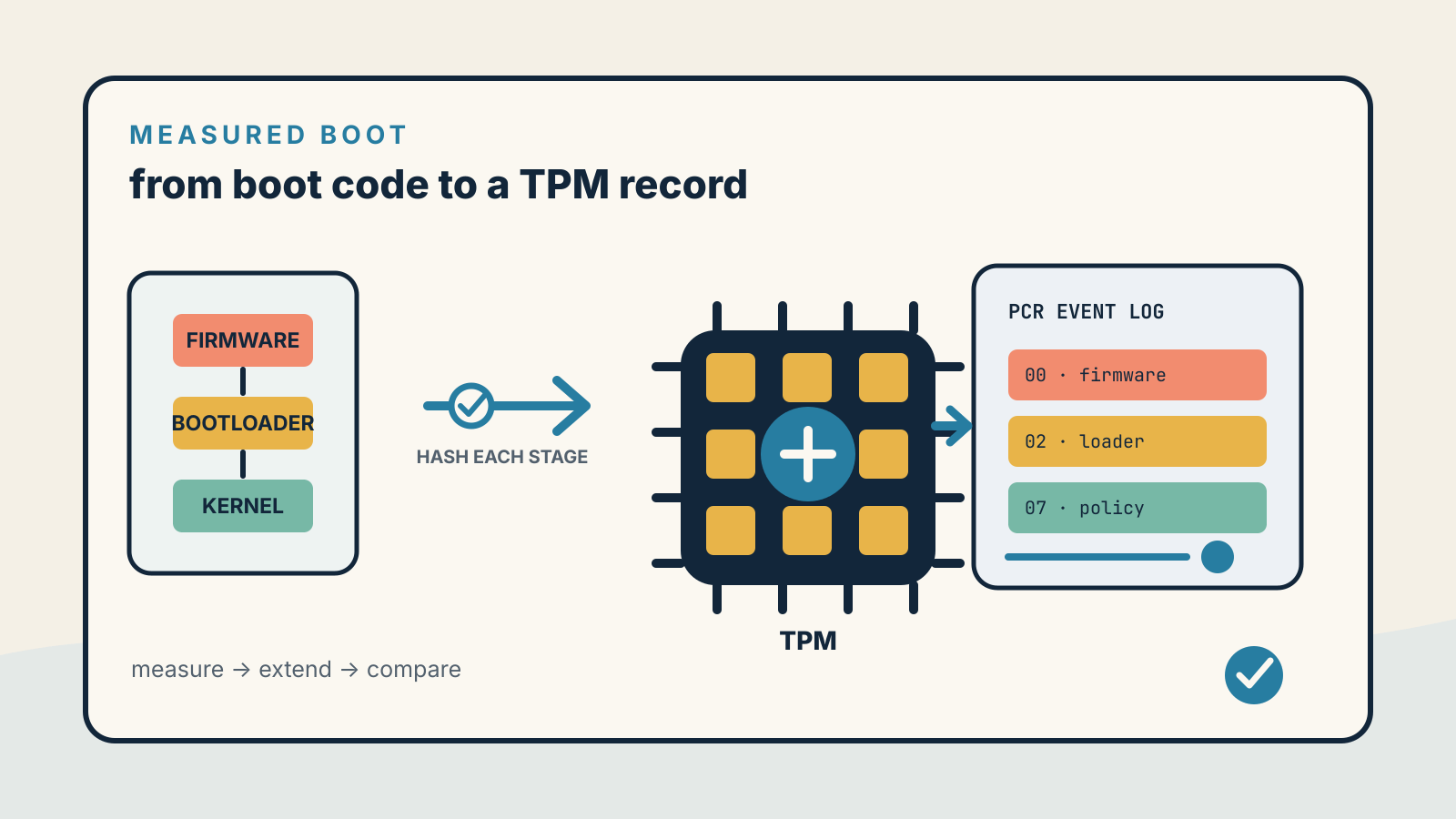
Our Secure Boot explainer covers the signature check itself. Measured Boot is a different control: it records startup measurements in TPM Platform Configuration Registers so that software can inspect or attest to what happened.
Find devices that still need the update
Microsoft’s Windows client guidance for the certificate transition lists several signals administrators can use.
A device may still need remediation when its Secure Boot certificate status is not updated, the system log records Event ID 1801, or Event ID 1795 appears. Microsoft also points to the UEFICA2023Status registry value: the expected completed state is Updated.
Inventory should include firmware and hardware details, because the same Windows version can behave differently across OEM models and firmware releases. Useful fields include:
| Field | Why keep it |
|---|---|
| Device model and firmware version | Identifies the OEM update path and affected cohorts |
| Secure Boot enabled state | Separates a disabled control from an incomplete certificate update |
| UEFICA2023Status | Shows whether Windows records the transition as complete |
| Event IDs 1795 and 1801 | Flags deployment or readiness issues |
| BitLocker status and recovery-key escrow | Reduces the impact of an unexpected recovery prompt |
| Last successful restart after remediation | Confirms the device completed a boot cycle, not that every trust check passed |
A report should distinguish not assessed, update offered, update applied, updated and rebooted, and exception under investigation. Collapsing those states into one “compliant” flag hides useful recovery information.
Update firmware before a broad rollout
Microsoft advises checking for OEM firmware updates first, especially on older models. Firmware updates can improve compatibility with the new certificates and reduce the chance of boot problems.
After firmware is current, use a supported Windows deployment method. Microsoft’s guidance lists Microsoft Intune, registry keys, Windows configuration service provider settings and Group Policy. The right method depends on how the organization already manages devices; the certificate transition is not a reason to build an unrelated management stack.
Treat the deployment like a firmware-sensitive change:
- Choose a pilot group covering different OEMs, models and firmware versions.
- Include BitLocker-enabled systems and devices with unusual boot hardware.
- Confirm recovery keys are available before the change.
- Apply the supported certificate update.
- Restart the devices through the normal update workflow.
- Check UEFICA2023Status and relevant event logs.
- Confirm users did not encounter a BitLocker recovery loop, startup hang or boot failure.
- Expand the rollout only after the pilot evidence is recorded.
Microsoft identifies Secure Boot validation errors, BitLocker recovery prompts, startup hangs and failed boots as higher-risk symptoms where firmware is old or the certificate update does not apply correctly.
Keep a recovery path
The safest rollout is one that can pause. Maintain a list of affected models, the OEM firmware package used, the Windows deployment policy and the pilot result. Confirm that support staff can retrieve BitLocker recovery keys through the organization’s approved process.
Do not tell users to disable Secure Boot as a routine workaround. That changes the security state and can hide the original deployment problem. If a device fails after a supported update, follow Microsoft and OEM recovery guidance for that model, preserve the event evidence and isolate the cohort from the broader rollout.
The Trusted Platform Module guide explains why BitLocker and boot measurements can react to firmware changes. Secure Boot establishes which early code is trusted to run; the TPM can record the boot state and protect keys that depend on it.