
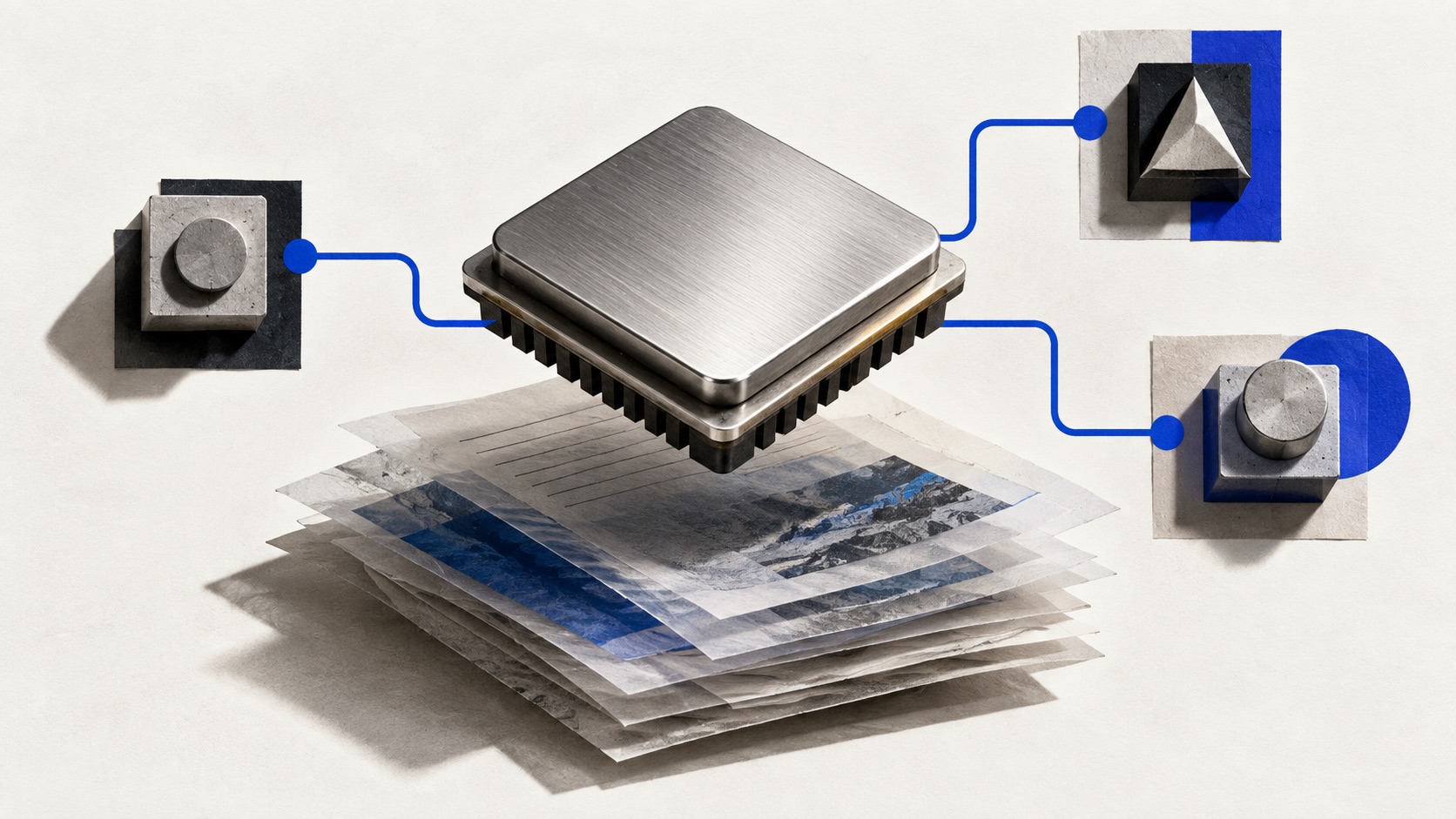
Google opened Gemini 3.1 Flash Live to developers in preview on March 26. Available through the Gemini Live API and Google AI Studio, the model is intended for applications that listen, see and respond during an ongoing conversation, according to Google’s developer announcement.
The release targets voice interfaces where the delay between speaking and hearing a response matters. It also supports tools, allowing an application to connect the conversation to an action such as retrieving information or changing a design. That makes the surrounding application’s permissions part of the product design.
Voice, vision and tool use share a live session
Google says the model improves on its earlier native-audio model in response latency, instruction following and recognition of speech amid background noise. The company reports support for more than 90 languages in real-time multimodal conversations.
Those are launch claims from Google. The announcement does not provide a single latency figure that applies to every language, network connection or application. A phone call, a video stream and a browser-based microphone session introduce different sources of delay.
One example in the announcement is Google’s Stitch design tool, where a voice agent can inspect the canvas and selected screens, discuss a design and generate variations. Google also points to companion-device and game demonstrations. These illustrate possible interfaces; they do not establish reliability for every production use case.
The preview still needs an application around it
Developers can begin in AI Studio or use the Google GenAI SDK. Google links documentation for session management, function calling and temporary access tokens, along with examples and integrations for voice and video transport.
A live model supplies only part of the experience. The application still decides when to open a session, what context to send and which external actions a tool call is allowed to trigger. The distinction between a chatbot and an agent becomes especially visible when a spoken request changes something outside the conversation.
Teams evaluating the preview can test noisy speech, interruptions and failed tool calls alongside ordinary answers. A fluent spoken response alone does not show that the application completed the requested action.