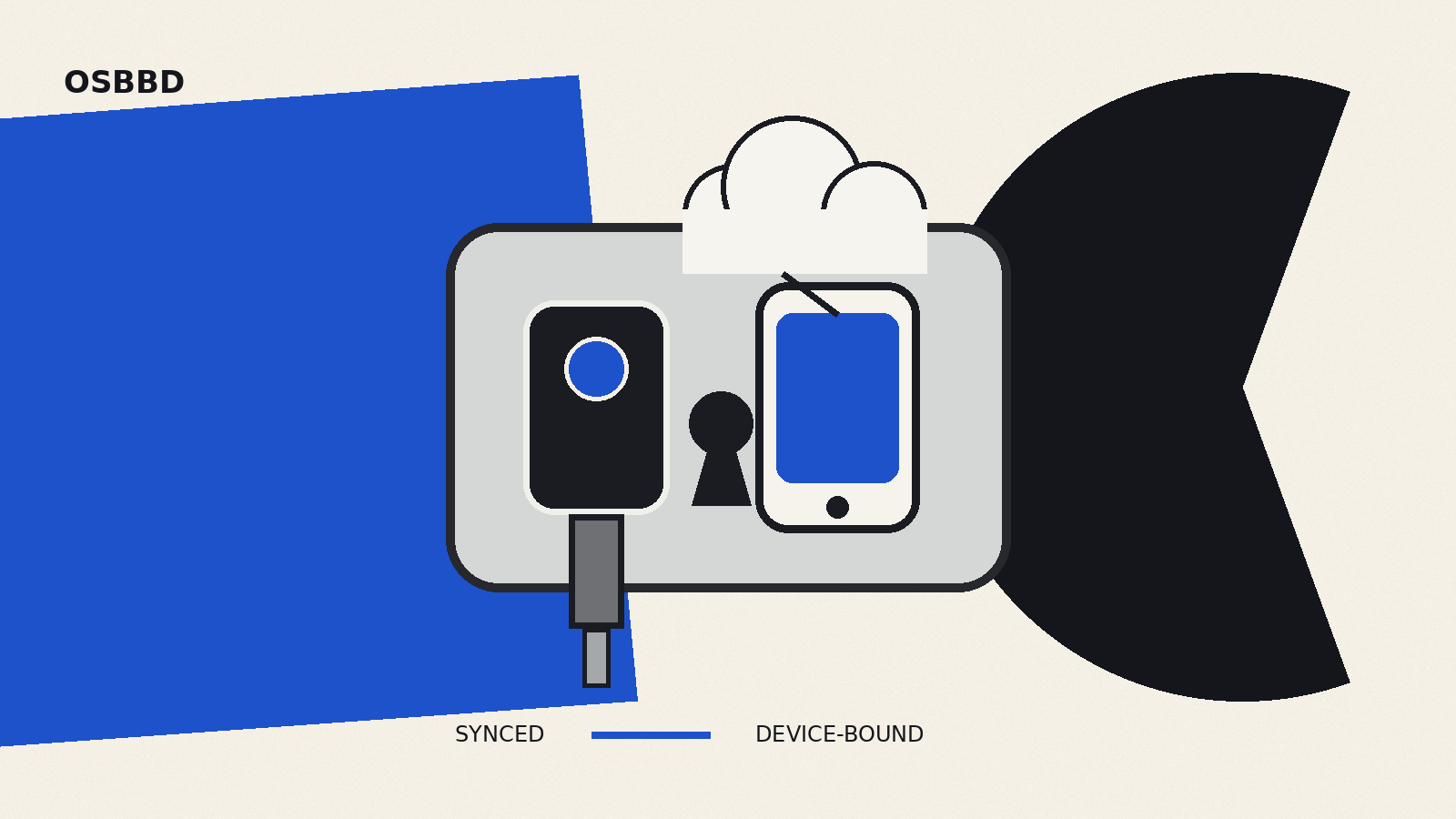
A synced passkey and a device-bound passkey use the same WebAuthn foundation, but they solve device loss and account recovery differently. A synced passkey is made available through a passkey provider across a user’s devices. A device-bound passkey stays on one authenticator, such as a hardware security key.
That distinction matters most when a phone is replaced, an employee changes laptops, or an account must resist recovery paths that are weaker than the sign-in method.
The short answer
Choose a synced passkey when convenient sign-in and recovery across personal devices are the main goals. Choose a device-bound passkey when the credential must remain on a known authenticator and stronger proof of possession matters more than automatic recovery.
Both use public-key cryptography. The online service stores a public key, while the private key is held by the authenticator or passkey provider. The browser and authenticator bind a sign-in to the service’s domain, which is why a passkey is resistant to ordinary credential phishing.
“Synced” does not mean the service receives the private key. It means the user’s passkey provider makes the credential available on other authorized devices. “Device-bound” does not mean the credential works only with one computer: a USB or NFC security key can be carried to another computer while keeping its private key inside the authenticator.
What is stored where
A passkey is a discoverable WebAuthn credential. It includes a private key on the authenticator side and a corresponding public key registered with the relying party, the website or app that checks the sign-in.
With a synced passkey, a credential manager can synchronize or restore the credential for the same user on another device. FIDO says this synchronization is end-to-end encrypted. The practical security boundary therefore includes the devices, the provider account and the provider’s recovery controls.
With a device-bound passkey, the private key does not leave the authenticator on which it was created. A hardware security key is the clearest example. Losing the only authenticator can mean losing that sign-in path unless another passkey or a separate recovery method was enrolled.
The server-side design is similar in both cases. The service verifies a signed WebAuthn assertion with the stored public key. It does not receive a reusable secret that can simply be copied from a password database.
How synced passkeys handle a new device
A synced passkey can appear on a new phone or computer after the user signs in to the same passkey provider and satisfies its security checks. That is the main usability advantage: the user does not need the old device for every future sign-in.
A nearby phone can also be used for cross-device authentication when the passkey is not available locally. WebAuthn Level 3 describes a flow in which a computer asks for an external authenticator and the user approves the sign-in on a linked phone. FIDO’s cross-device mechanism uses proximity as part of the flow, while cryptography protects the authentication exchange.
The service still needs a sound recovery policy. If an attacker can take over the passkey-provider account or abuse the service’s own fallback process, the strength of the WebAuthn ceremony alone will not repair that weakness.
How device-bound passkeys handle a new device
A device-bound passkey stays with its original authenticator. A roaming hardware key can be plugged into or tapped against a new computer, so the same credential remains usable without being copied. A passkey held only by a laptop’s built-in authenticator, however, may not be available after that laptop is lost.
For high-assurance accounts, organizations often issue more than one authenticator. One key can be used daily and another stored as a backup. The service should register each authenticator as a separate credential so either can be revoked without replacing the other.
This also changes support procedures. If a lost device can be replaced only through a weak helpdesk reset, the recovery flow may become the easiest attack path. Device-bound deployment therefore needs planned backup enrollment and a recovery process that preserves the intended assurance level.
Security differences that matter
Both types are phishing-resistant at sign-in because WebAuthn credentials are scoped to the relying party. A lookalike domain cannot ask the authenticator to sign for the real domain.
The trade-off is where the private-key material can exist. Synced passkeys favor availability across devices and recovery through the provider. Device-bound passkeys favor a credential that cannot be exported from its authenticator.
That makes device-bound credentials useful for administrators, financial accounts, code-signing access and other roles where a known physical authenticator is part of the security policy. Synced passkeys are usually easier for consumer accounts, where replacing passwords at scale depends on a sign-in method surviving phone upgrades and device changes.
Neither type proves that the endpoint is free of malware. A compromised session, malicious browser extension or fraudulent account-recovery process can still create risk after authentication. Passkeys also do not replace secure boot, patching or service-side authorization. Our guide to Secure Boot covers one part of device integrity, while Certificate Transparency logs address a different web trust boundary.
A practical enrollment plan
For a personal account:
- Create a synced passkey with the credential manager you already protect well.
- Check how that provider secures account recovery and new-device enrollment.
- Add a second independent sign-in method for important accounts, ideally another passkey rather than SMS.
- Remove credentials for devices or providers you no longer control.
For an organization:
- Classify accounts by required assurance instead of choosing one passkey type for everyone.
- Use synced passkeys where reduced support friction and multi-device availability are primary.
- Require device-bound authenticators where policy needs non-exportable credentials or managed hardware.
- Enroll backups before removing passwords or other legacy recovery methods.
- Keep credential inventory, revocation and employee offboarding in the access-control process.
- Test loss and replacement scenarios before deployment.
What a website should communicate
A registration screen should name where the passkey will be saved when the platform exposes that choice. “Create a passkey” is clearer when followed by practical information: whether it will sync, how another device can be used, and how the credential can later be removed.
Services should let users register more than one passkey and show enough metadata to distinguish them. A friendly name, provider or authenticator type, creation date and last-used date make cleanup safer. The service should also warn before deleting the user’s last working credential.
Do not describe every biometric prompt as proof that biometric data reached the website. FIDO states that biometric processing remains on the device; the server receives an assurance that local user verification succeeded.