
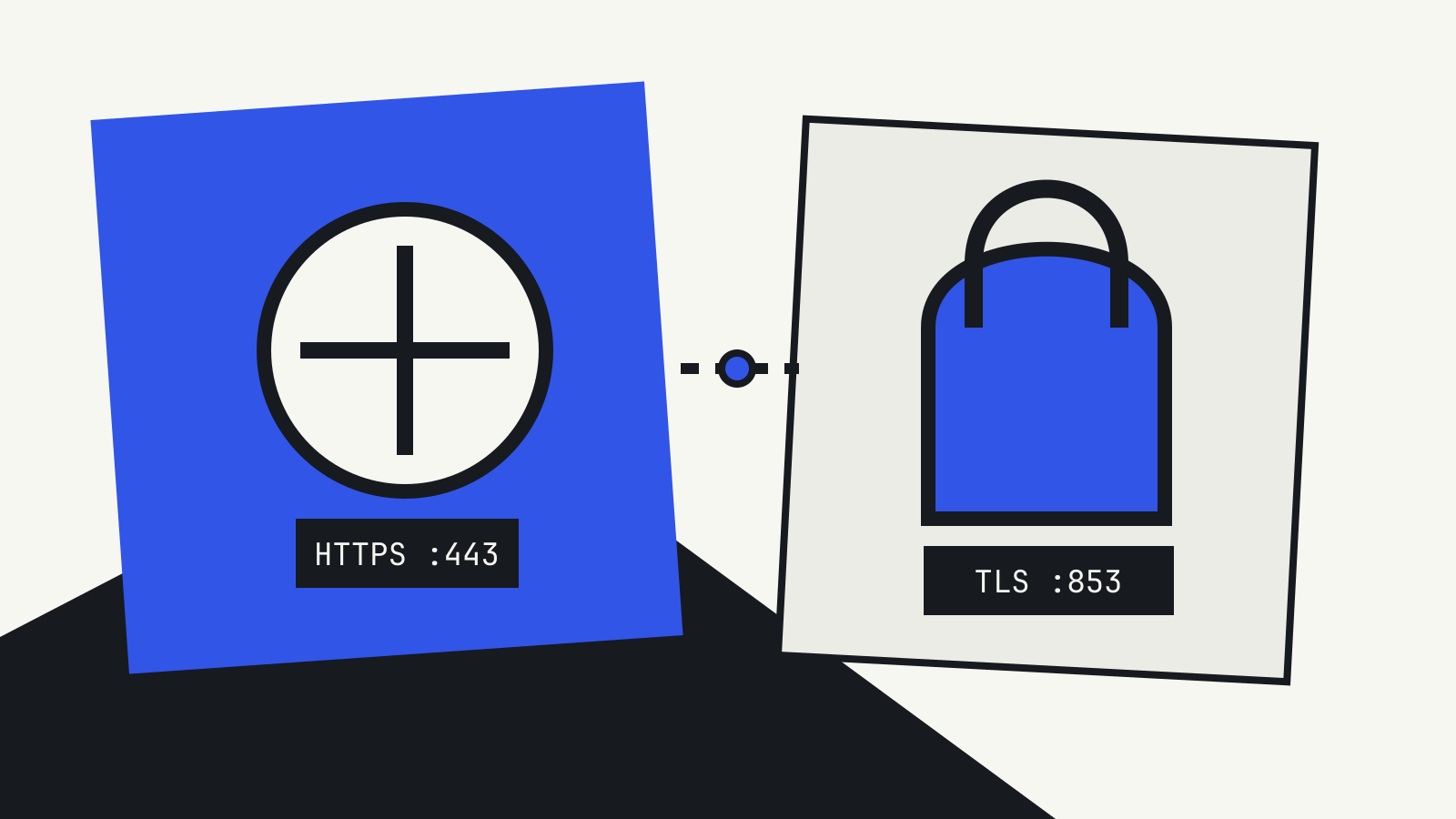
DNS over HTTPS and DNS over TLS solve the same basic problem: they encrypt the trip between your device and a recursive DNS resolver. The difference is how that encrypted trip is packaged, which port it normally uses and who can see or control it on a network.
If you are choosing a setting in a browser, phone, router or company network, the protocol name matters less than three practical questions: which resolver receives the queries, whether every app uses the same path, and what happens when the encrypted service is unavailable.
The short answer
DNS over HTTPS (DoH) carries DNS messages inside HTTPS requests. RFC 8484 maps each query and response to an HTTP exchange, normally over port 443.
DNS over TLS (DoT) sends DNS through a dedicated TLS connection. RFC 7858 specifies port 853 as the default for privacy-enabled DNS.
Both hide the query contents from ordinary observers between the client and the chosen resolver. Neither makes DNS anonymous, hides the destination IP address of the site you visit or guarantees that the resolver returns honest answers.
DNS over HTTPS: DNS that looks like web traffic
DoH uses the same secure transport family as an HTTPS website. A client is configured with a resolver URL, such as an endpoint ending in /dns-query. It can send a query with HTTP GET or POST, and the standardized binary media type is application/dns-message.
Using HTTPS gives DoH access to HTTP features such as content negotiation, caching rules, redirects and multiplexed connections. It also means DoH traffic can share port 443 with ordinary web traffic. That can make it difficult for a network to distinguish encrypted DNS from other HTTPS without controlling the device or blocking a known resolver.
This design suits applications that want to manage DNS themselves. A browser can use a DoH provider even when the operating system and other applications still use the network’s normal resolver. Firefox, for example, exposes several DoH protection levels, including modes that can fall back to the system resolver.
That application-level choice is useful, but it creates a possible split: the browser and the rest of the computer may not use the same DNS policy.
DNS over TLS: a separate encrypted DNS channel
DoT keeps DNS on a recognizable, dedicated service. The client opens a TLS connection to a resolver, normally on TCP port 853, and sends DNS messages through it. Connections should stay open for multiple queries rather than repeating the TLS setup for every lookup.
Because the traffic has a dedicated port, routers and administrators can allow, block or route it more directly than DoH. That does not make the query contents readable; it makes the use of the protocol visible.
Operating systems and routers often use DoT as a device-wide or network-wide setting. In that arrangement, applications continue asking the system resolver for names, while the system or gateway encrypts the upstream connection. Coverage is easier to reason about than a browser-only switch, although an application with its own resolver can still bypass the system path.
What both protocols protect
Traditional DNS over UDP or TCP can expose domain queries to devices along the path. Encrypting the client-to-resolver connection provides confidentiality and integrity for that segment. It helps prevent a local observer from reading the query or changing the reply in transit.
The endpoint still matters. The recursive resolver receives the queries and may be able to associate them with the client. RFC 8484 also notes that HTTPS adds its own correlation surfaces, including headers and cookies if an implementation uses them carelessly.
Encryption is therefore a change of trust, not the removal of trust. You move visibility away from the local network and toward the selected resolver.
What encrypted DNS does not hide
A DNS setting is not a VPN. After resolving a name, your device still connects to the destination service. Network observers can generally see the destination IP address, timing and traffic volume. TLS metadata and other signals may reveal more, depending on the connection and protocol version.
DoH and DoT also do not replace DNSSEC. The encrypted transport authenticates the connection to the resolver. DNSSEC, where deployed and validated, addresses authenticity of DNS data through signed records. A resolver can still return an incorrect answer when the client has no independently validated DNSSEC proof.
Nor do these protocols stop malicious domains, phishing pages or malware. Filtering depends on the resolver’s policy or separate security controls.
Which one should you choose?
Choose based on where you want the policy to live.
- For a single browser: DoH is widely supported and easy to configure. Check whether the mode falls back to unencrypted system DNS.
- For a whole device: an operating-system encrypted DNS setting gives more consistent coverage than a browser-only option.
- For a home network: router-level DoT can cover devices that use the router as their resolver, but devices with hard-coded or application-level DNS may take another path.
- For a managed network: decide whether local names, threat filtering and audit requirements depend on the approved resolver. Encrypted DNS should be part of the policy, not an accidental exception to it.
Whatever the protocol, verify the resolver name, privacy policy, logging terms and fallback behavior. “Encrypted” describes the transport. It does not tell you who operates the endpoint or how they handle the data.
A practical check
After enabling encrypted DNS, use the resolver provider’s own test page or your operating system’s diagnostics to confirm the active protocol. Then test what happens when the resolver is unreachable. A strict mode should fail closed; an automatic mode may return to the system resolver.
This is similar to other startup and trust controls: a label alone is not enough. Our guide to Secure Boot separates what the mechanism verifies from what remains outside its scope. Apply the same habit here—check the boundary, the fallback and the party you trust.
Standards checked: RFC 8484 (October 2018) and RFC 7858 (May 2016). Mozilla configuration guidance reviewed October 14, 2026.