Semantic Versioning turns a release number into a small compatibility promise. The promise only works when the project defines its public API and follows the rules consistently.
The current specification is Semantic Versioning 2.0.0. This guide was checked against the official specification on October 25, 2026.
The short version
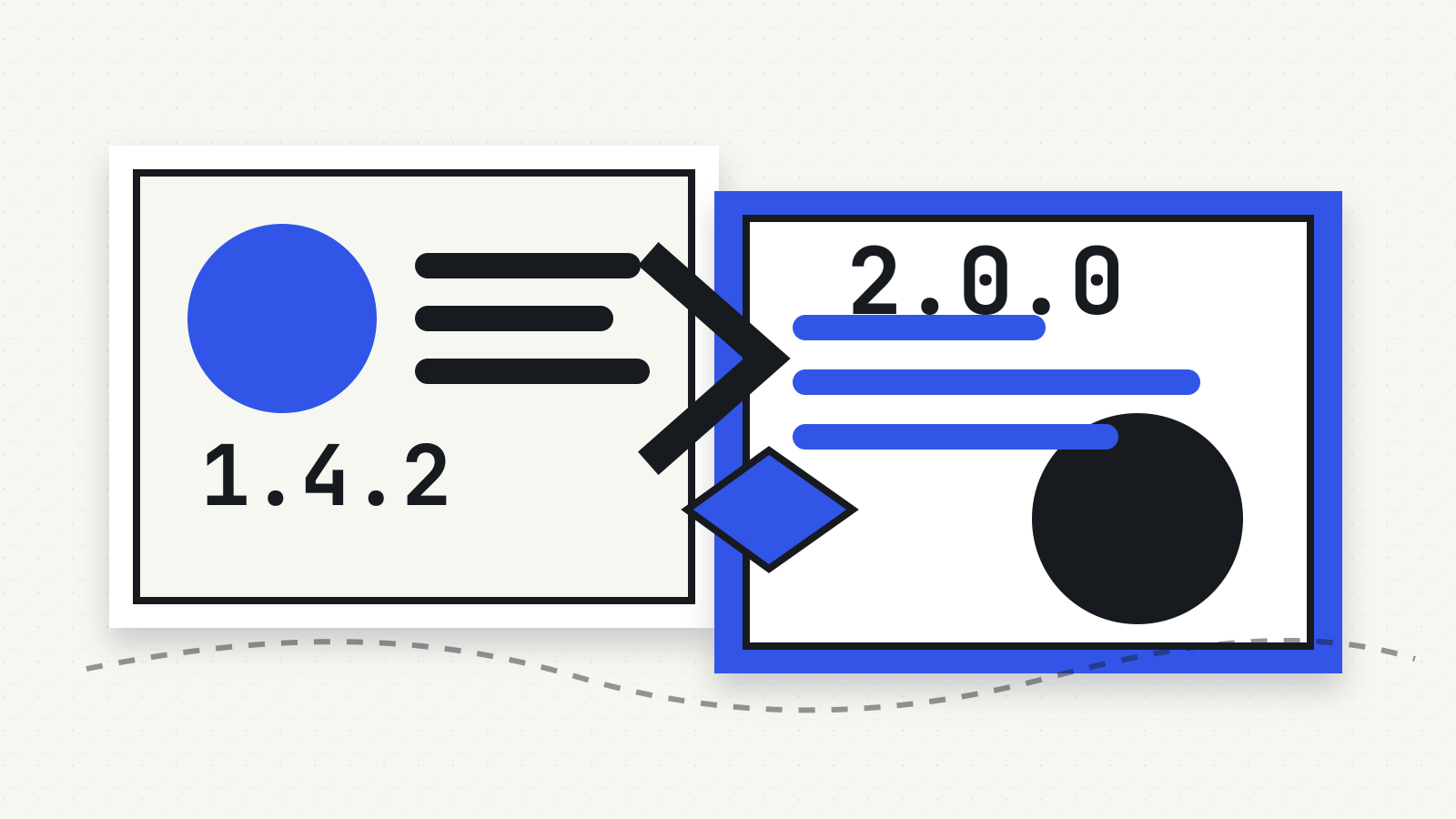
A normal semantic version has three numbers: MAJOR.MINOR.PATCH.
| Change | Number to change | Example |
|---|---|---|
| Incompatible public-API change | Major | 2.4.1 → 3.0.0 |
| Backward-compatible public-API addition | Minor | 2.4.1 → 2.5.0 |
| Backward-compatible bug fix | Patch | 2.4.1 → 2.4.2 |
Reset the numbers to the right when a larger part changes. A move from 2.4.1 to 3.0.0 resets both minor and patch; a move to 2.5.0 resets patch.
That table describes the specification, not a guarantee that every project labels every release correctly.
First identify the public API
Semantic Versioning starts with a requirement that is easy to skip: the software must declare a public API. That may be documentation, code or another precise contract describing what users can depend on.
For a programming library, the public API may include exported functions, parameters, return values and documented behavior. For a command-line tool, it could include commands, flags, configuration and output formats. For a network service, it may include request fields, responses and error behavior.
An internal refactor that leaves that contract unchanged does not automatically require a major release. A renamed public function, removed command or changed response format might.
This is why the version number cannot be interpreted without the project’s own documentation. Read the changelog and migration notes before a consequential upgrade.
Patch means a compatible bug fix
The patch number increases when a release contains backward-compatible bug fixes. Version 1.6.3 should therefore be compatible with the public API promised by 1.6.2.
Patch does not mean risk-free. A fix can expose an undocumented dependency in your own system, alter timing or uncover a different bug. It also cannot protect you when the project has not actually followed the specification.
Use the number as a sorting signal, then check the release notes and test the paths your system depends on.
Minor can add features and deprecations
The minor number increases for new backward-compatible public functionality. The specification also requires a minor increase when public API functionality is marked deprecated.
Deprecation is a warning that something still works but may be removed later. Treat it as migration time, not as an immediate break. Record which dependency or application code still uses the deprecated behavior before the next major release arrives.
A minor release may include patch-level fixes too. The patch component resets to zero when the minor component changes.
Major signals an incompatible change
The major number increases when a release introduces an incompatible public-API change. That is a reason to read migration instructions and test integrations, not a command to avoid the update forever.
The label does not tell you the size of the work. One removed option could affect your system more than a long list of internal changes. Conversely, a well-documented major release may be straightforward if your code does not use the affected interface.
Check the exact changed contract, your dependency constraints and whether intermediate releases carried deprecation notices.
What 0.x versions mean
Major version zero is reserved for initial development. The specification says anything may change at any time and the public API should not be considered stable.
That does not make every 0.x package unsafe or experimental in practice. It means the normal major-version compatibility signal is weaker. Read the project’s stated policy for how it treats 0.y.z releases.
Version 1.0.0 defines the public API. After that point, major, minor and patch changes are tied to that declared contract.
Pre-release labels sort before the normal release
A hyphen adds a pre-release label:
- 2.0.0-alpha
- 2.0.0-beta.2
- 2.0.0-rc.1
A pre-release has lower precedence than the matching normal version. In other words, 2.0.0-rc.1 comes before 2.0.0.
The label indicates that the release may not satisfy the compatibility requirements implied by the normal version. Do not let a production update policy accept pre-releases merely because their numeric components look newer.
Pre-release identifiers have their own ordering rules. Numeric identifiers compare numerically, text identifiers compare in ASCII order, and numeric identifiers sort before non-numeric ones. Package managers may add their own dependency-range syntax around those rules, so check the manager’s documentation as well as SemVer.
Build metadata does not change precedence
A plus sign adds build metadata, such as 2.0.0+20261025 or 2.0.0-rc.1+build.7.
The specification says build metadata is ignored when comparing precedence. Two versions that differ only after the plus sign have the same SemVer precedence.
Metadata can still matter operationally. It may identify a build pipeline, commit or distribution package. If reproducibility matters, keep the artifact hash and provenance rather than assuming the version string proves that two binaries are identical. Our guides to reproducible builds and a software bill of materials cover those separate checks.
A version number does not prove quality or security
Semantic Versioning communicates intended compatibility. It does not prove:
- that the implementation matches the documented API
- that a release contains no vulnerabilities
- that two packages with similar numbers are related
- that a dependency range is safe for your system
- that the project will maintain the release for a particular period
Support status is a separate question. Check the vendor’s lifecycle policy and our guide to end-of-life software before depending on an older major line.
A practical upgrade check
Before changing a dependency:
- Confirm which version you run and which one you plan to install.
- Read every relevant release note between them.
- Identify major changes, deprecations and altered defaults.
- Review your package manager’s range and lockfile behavior.
- Test the public interfaces your application actually uses.
- Record the artifact, checksum and rollback path.
- Check whether the old version still receives security fixes.
A range such as “compatible with version 2” is a policy encoded in package-manager syntax. SemVer supplies the ordering model; the package manager decides what its symbols accept.
Source
Specification checked October 25, 2026. No package-manager behavior or software release was tested.